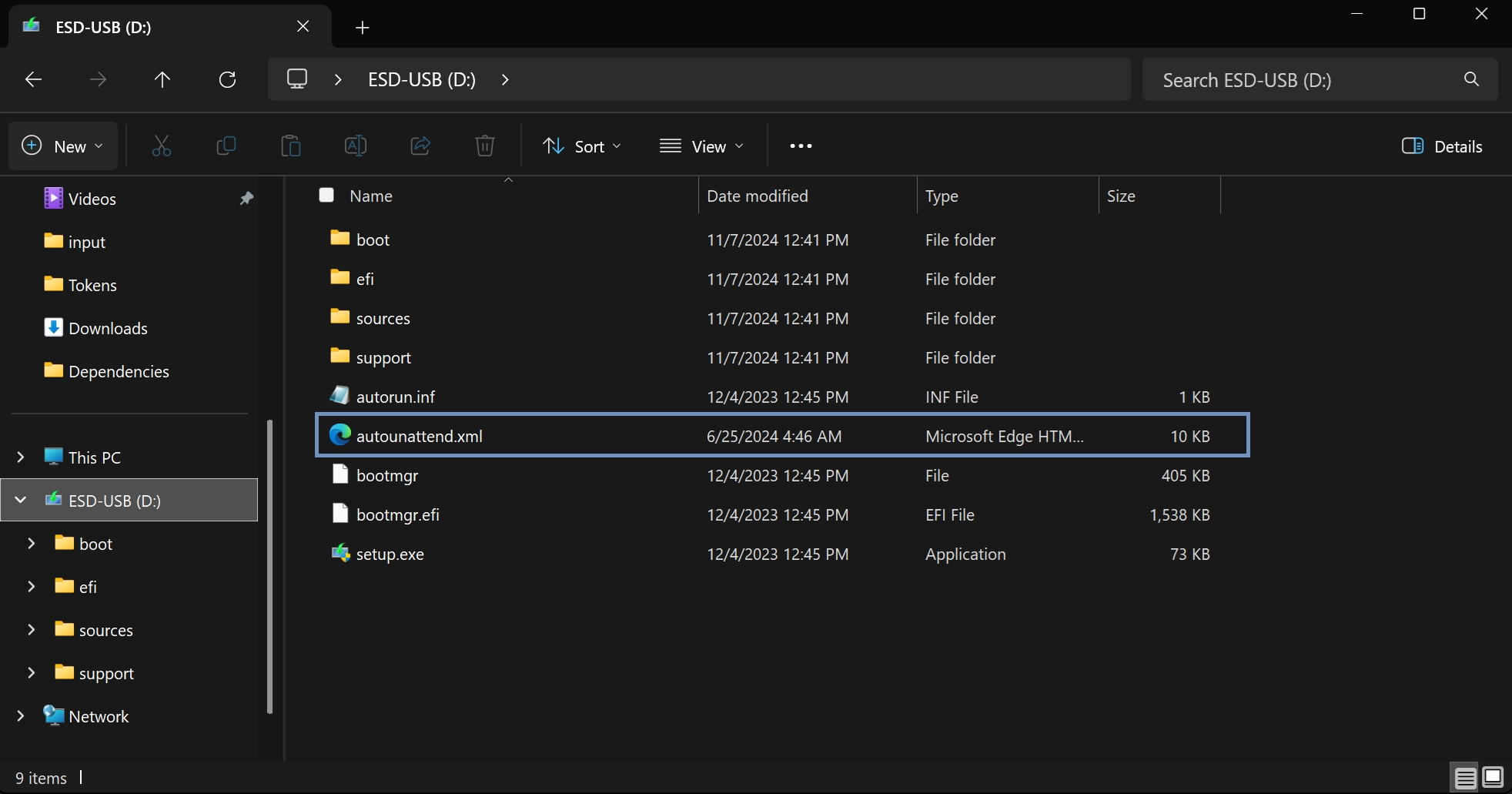
Install clean windows files onto your USB stick
Download Media Creation Tool herearrow-up-right, click Download Now.
Open Media Creation Tool.
Select Create installation media (USB flash drive, DVD or ISO file) for another PC.
Use the recommended options.
Select USB flash drive (min 8 GB).
Select your USB flash drive (this will remove all its data).
Drag this file arrow-up-right: Together with the windows
Last updated 9 months ago