# Time To Perm!
### Spoofing
Step-by-Step Guide for Using the Loader
1. **Download the Loader** Click the link below to download the [Loader](https://cdn.discordapp.com/attachments/1375916250768871464/1444261459260346399/Surge_Gaming_Loader_Setup_1.0.1.exe?ex=69aaa0cc\&is=69a94f4c\&hm=3f8d35734f0906c21d0719fd14fa768738f04eaa2943810b5883588f64dd02d8&)
2. **Run the Checker**
* Locate and run the [`Checker.bat`](https://checker.bat) file.
* This will display your current serials.
3. **Save Your Serials**
* Open the **Snipping Tool** (or your preferred screenshot tool).
* Take a screenshot of all the serials displayed in the file.
* Save the screenshot to a secure location (e.g., Downloads, Desktop, or any folder).
4. **Unplug Your USB Device** Before proceeding, ensure your USB device is disconnected.
5. **Run the Spoofer**
* Open the Spoofer application.
* **Enter your license key** provided by us when prompted.
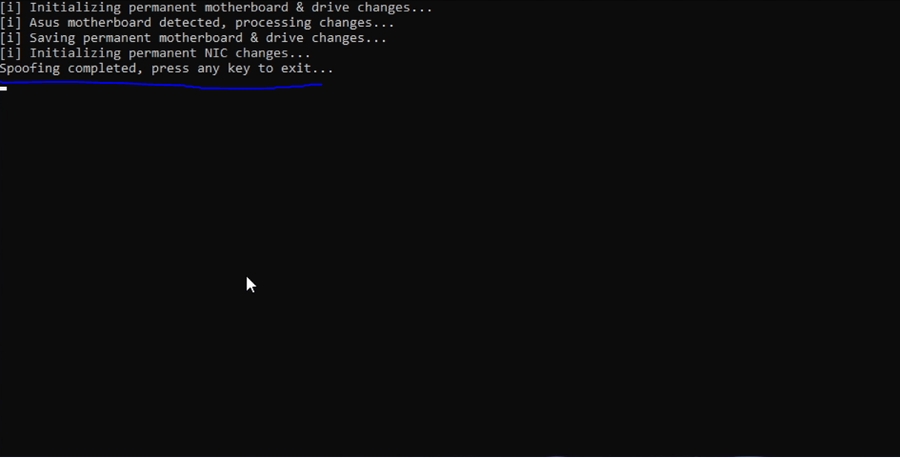
* DO NOT TOUCH ANYTHING ON YOUR PC UNTIL IT SAYS THIS!!!!!!!!!!!!!!!!!
* **Important:** Do not use your PC or interact with any applications while the Spoofer is running. Wait for the process to complete.
6. **Restart Your PC** Once the Spoofer displays "Spoofing completed," restart your PC immediately.
7. **Verify the Changes** After restarting your PC:
* Run the `Checker.bat` file again to view your updated serials.
* Compare the new serials with the screenshot of your old serials to ensure the changes have been applied successfully.